ThinkSystem SR850 V4/SR860 V4 M.2 RAID B540p-2HS SATA/NVMe Enablement Kit
See this document for information about the ThinkSystem SR850 V4/SR860 V4 M.2 RAID B540p-2HS SATA/NVMe Enablement Kit.
This option kit comes with the following components.
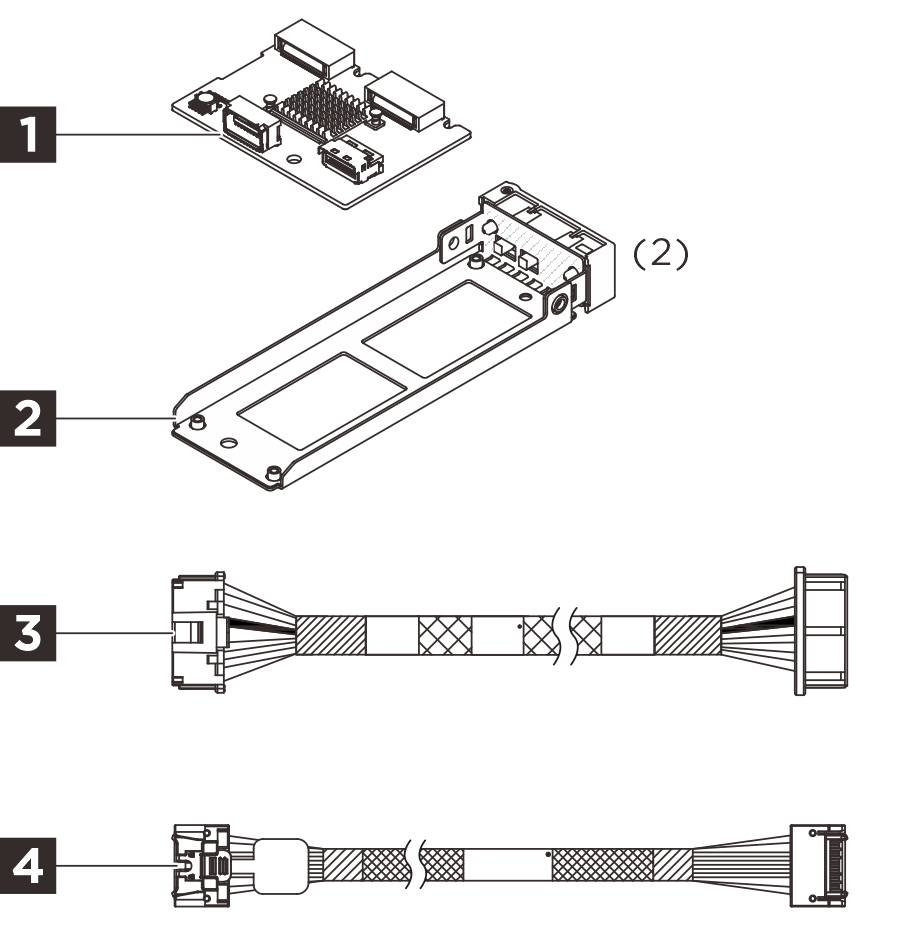
1 One M.2 backplane
2 Two rear M.2 HS trays
3 One power cable, 520mm
4 One MCIO x4 to MCIO x4 cable, 520mm
NOTE
- The illustration in this document might differ slightly from your hardware.
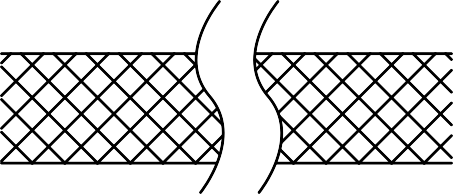 The break lines indicate that the cable is not shown in its full length. Refer to the information in this document for the actual cable length.
- To make a rear M.2 drive assembly, match this option kit with two units of the following option: "ThinkSystem V4 Hot Swap M.2 SATA/NVMe Drive Assembly Kit".
Option installation
-
To install the option, refer to
Server model Hardware installation SR860 V4 Install the rear M.2 drive cage and backplane SR850 V4 Install the rear M.2 drive cage and backplane -
For the latest technical information including firmware and driver downloads, go to Lenovo Data Center Support.
Give documentation feedback