ThinkEdge USB-C to USB-A Console Cable
See this document for information about the ThinkEdge USB-C to USB-A Console Cable.
This option kit comes with the following component.

1 ThinkEdge USB-C to USB-A console cable
NOTE
-
The illustration in this document might differ slightly from your hardware.
-
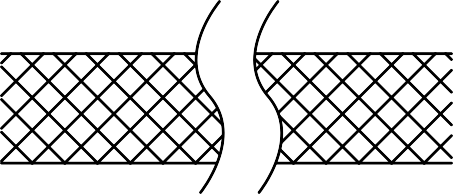 The break lines indicate that the cable is not shown in its full length. Refer to the information in this document for the actual cable length.
Option installation
- To install the option, refer to the applicable user guide:
| Server model | Connector location |
|---|---|
| SE350 V2 | Front view |
| SE360 V2 | Front view |
| SE100 | Rear view |
- For the latest technical information including firmware and driver downloads, go to Lenovo Data Center Support.

| Option installation | |
|---|---|
| To install the option, refer to “Hardware replacement procedures” in the server User Guide, which is available at Lenovo Docs https://pubs.lenovo.com. | |
| For the latest technical information including firmware and driver downloads, go to Lenovo Data Center Support website https://datacentersupport.lenovo.com. | |
Second Edition (July 2025)
© Copyright Lenovo 2025.
LIMITED AND RESTRICTED RIGHTS NOTICE: If data or software is delivered pursuant to a General Services Administration (GSA) contract, use, reproduction, or disclosure is subject to restrictions set forth in Contract No. GS-35F-05925
Give documentation feedback