ThinkSystem SR650/a V4 M.2 RAID B450p-2HS SATA/NVMe Enablement Kit
In diesem Dokument finden Sie wichtige Informationen zum ThinkSystem SR650/a V4 M.2 RAID B450p-2HS SATA/NVMe Enablement Kit.
Der Zusatzeinrichtungssatz wird mit den folgenden Komponenten geliefert.
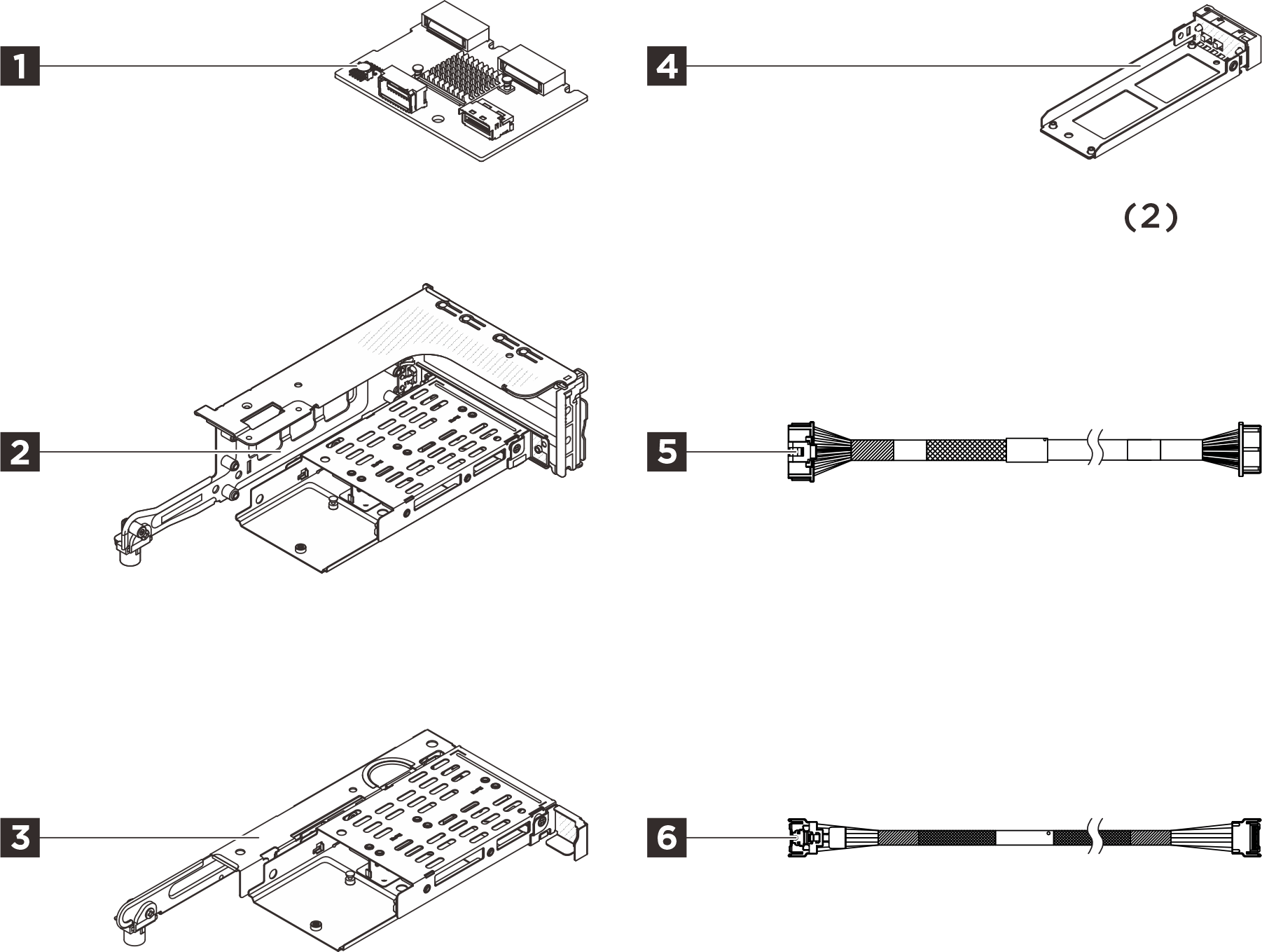
1 Eine hintere M.2-Rückwandplatine
2 Ein 3FH-M.2-Adapterrahmen
3 Ein 1FH-M.2-Adapterrahmen
4 Zwei M.2-Laufwerkhalterungen
5 Ein M.2-Netzkabel, 300 mm
6 Ein M.2-Signalkabel, MCIO x4 zu MCIO x4, 310 mm
-
Die Abbildung in diesem Dokument weicht möglicherweise geringfügig von Ihrer Hardware ab.
-
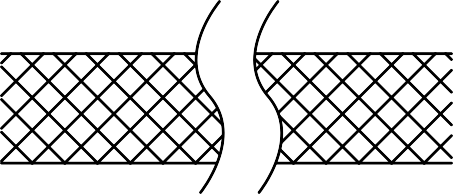 Die unterbrochenen Linien zeigen an, dass ein Teil des Kabels in der Abbildung verdeckt ist. Weitere Informationen zur tatsächlichen Kabellänge finden Sie in den Informationen in diesem Dokument.
Installation von Zusatzeinrichtungen
- Informationen zum Installieren der Option finden Sie im entsprechenden Benutzerhandbuch:
| Servermodell | Hardwareinstallation | Interne Kabelführung |
|---|---|---|
| SR650 V4 | Hinteren M.2-Adapterrahmen und Rückwandplatine für Laufwerke installieren | Interne Kabelführung |
| SR650a V4 | Hinteren M.2-Adapterrahmen und Rückwandplatine für Laufwerke installieren | Interne Kabelführung |
- Aktuelle technische Informationen, einschließlich Firmware‑ und Treiberdownloads, finden Sie auf der Website des Lenovo Support für Rechenzentrum.

| Option installation | |
|---|---|
| To install the option, refer to “Hardware replacement procedures” in the server User Guide, which is available at Lenovo Docs https://pubs.lenovo.com. | |
| For the latest technical information including firmware and driver downloads, go to Lenovo Data Center Support website https://datacentersupport.lenovo.com. | |
First Edition (May 2021)
© Copyright Lenovo 2021.
LIMITED AND RESTRICTED RIGHTS NOTICE: If data or software is delivered pursuant to a General Services Administration (GSA) contract, use, reproduction, or disclosure is subject to restrictions set forth in Contract No. GS-35F-05925